GIF to 60fps — Make Choppy GIFs Buttery Smooth
Old GIFs usually run at 10-15 frames per second. Our AI frame interpolation generates in-between frames to bring your animation to a full 60fps — the same tech used in modern TV motion smoothing, but done properly.
Real conversions — see the difference
Every pair below is the same clip: the left side is the original 10fps GIF, the right side is the actual AI-interpolated output from this tool.
 BEFORE · 10fps GIF
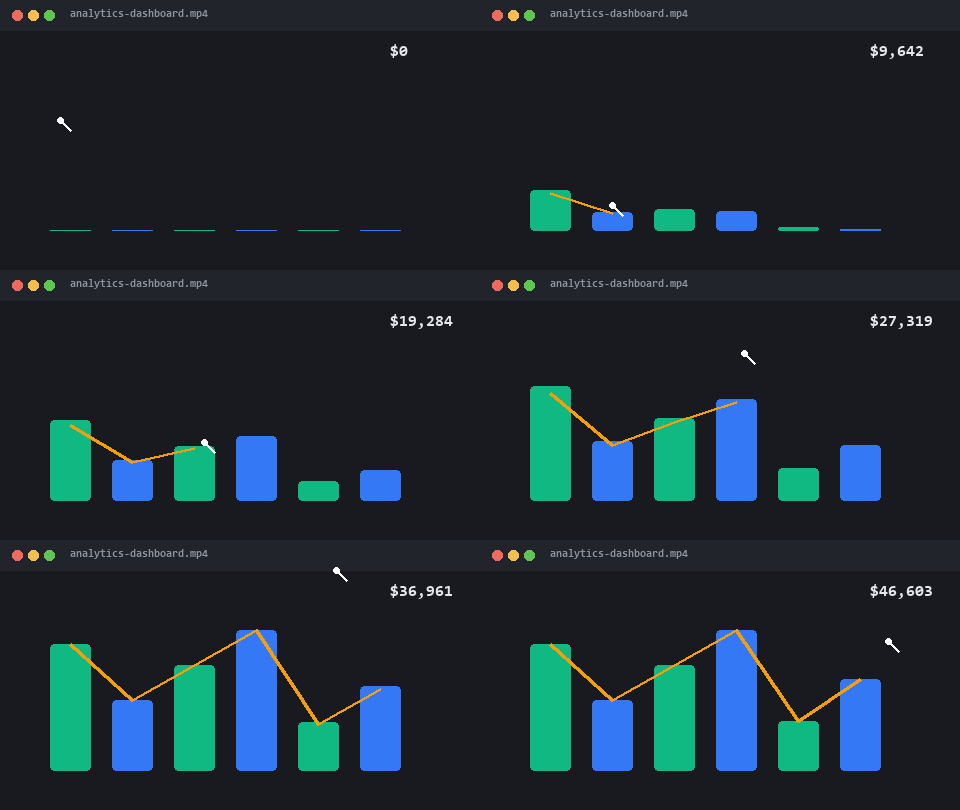
Screen recording demo
Dashboards and UI walkthroughs are usually captured at 10-15fps — charts stutter as they grow. Interpolation makes every animation land.
 BEFORE · 10fps GIF
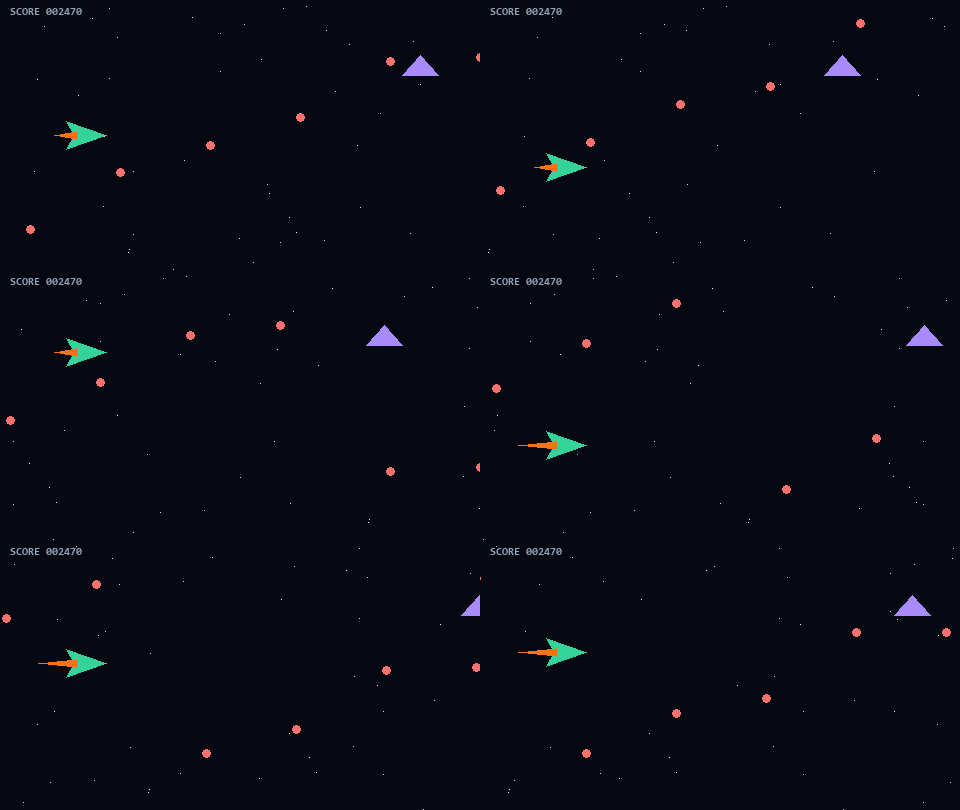
Game clip
Fast motion shows low frame rate the most. In-between frames are synthesized from the motion itself — not frame duplication.
 BEFORE · 10fps GIF
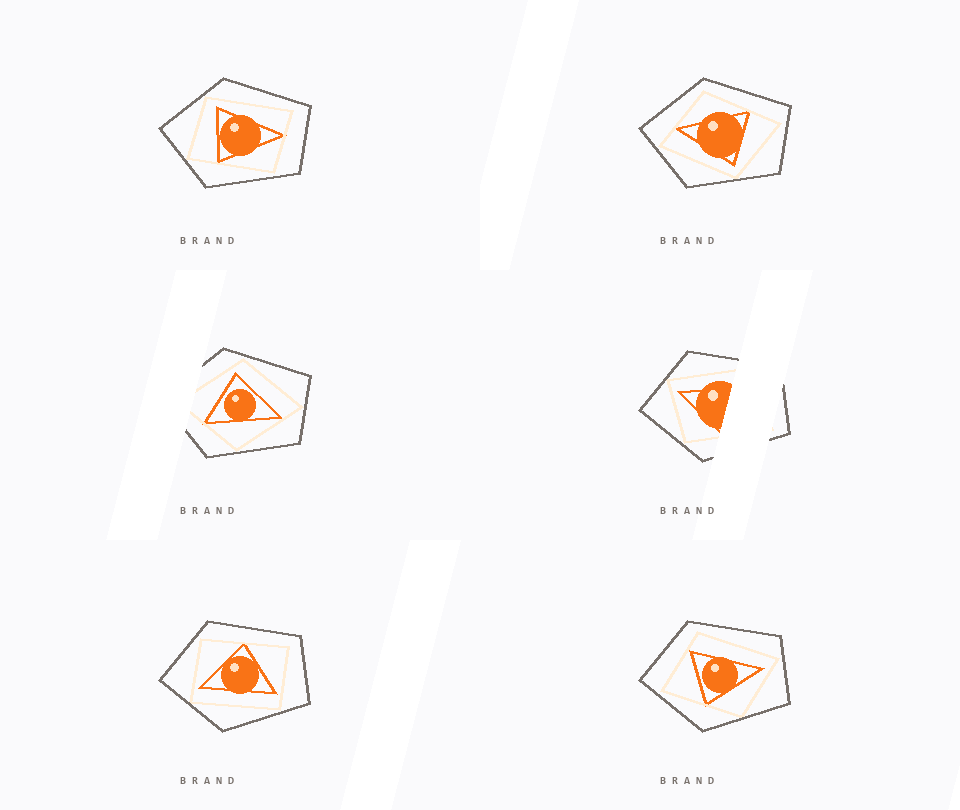
Animated logo
Rotation and easing look mechanical at 10fps. At 60fps the same animation reads as premium motion design.
Where 60fps genuinely helps (and where it doesn't)
Screen recordings and product demos
Cursor trails and UI animations are exactly what low frame rates break — a pointer visibly jumps between positions at 10-15fps. Interpolated to 60fps, the same recording looks like native capture.
Game clips with camera pans
Pans are the hardest motion for low frame rates and the easiest for interpolation to fix — mostly predictable linear motion. Fast cuts and teleports are where it struggles (see below).
Reviving old meme GIFs
Pre-2015 GIFs were digitized at 8-12fps to fit dial-up era bandwidth. Frame interpolation can't recover frames that were deleted — but it can synthesize them from the motion between surviving frames, which reads the same to the eye.
When it won't help
Static loops (blinking icons) are already smooth. Extreme motion or hard scene cuts can produce artifacts, because the model has to invent frames across unpredictable change — check the preview before spending credits. See real before/after cases →
Try it now — 1 free run per day
Your GIF converts to MP4 locally, then AI interpolates it to 60fps.
New here? Get 50 free AI credits
Leave your email and it’s instantly registered for 50 free AI credits when you sign up with it — no spam, one email ever.
Real AI, real frames
FILM neural networks synthesize genuine in-between frames — not frame duplication or blur.
Up to 60fps
10fps → 30 or 60fps. Motion becomes fluid without changing the animation's timing.
Free trial
Every account gets free AI credits to test the difference on their own GIFs.
Frequently Asked Questions
How does AI frame interpolation work?
⌄
A neural network (FILM, Google Research) analyzes two consecutive frames and generates new in-between frames. Going from 12fps to 60fps means creating 4 new frames between every original pair — with motion that matches reality instead of jumpy stutter.
Will it change the speed of my animation?
⌄
No. The duration and timing stay exactly the same — only the smoothness of motion changes.
Which GIFs benefit the most?
⌄
Animations with steady motion: walks, camera pans, particle effects, game sprites. Very erratic single-frame edits benefit less.
How much does it cost?
⌄
The AI enhancement is a paid feature (from $9/month for 100 credits), with free trial credits for every new account. Basic GIF-to-video conversion stays free forever.
Can I combine 60fps with AI upscaling?
⌄
Yes — Pro plans can run both enhancements in one pass for a fully remastered video.
Meanwhile, the free GIF to video converter is live — no signup needed.